schultetable

First-party printables and guides

Schulte Table Resources

Choose a fixed PDF when you need a stable file for paper, sharing, or later reference. Use a browser tool when you need a newly generated layout, automatic timing, or local attempt history. Each resource below explains which workflow it supports before you open the file.

Fixed PDF, browser print, and interactive records are different workflows

A fixed PDF keeps the same pages on every download. Browser printing can create a fresh arrangement and depends on your print settings. Interactive tools can time selections and may save supported attempts in this browser. A static PDF never syncs those records automatically.

Printable Tables

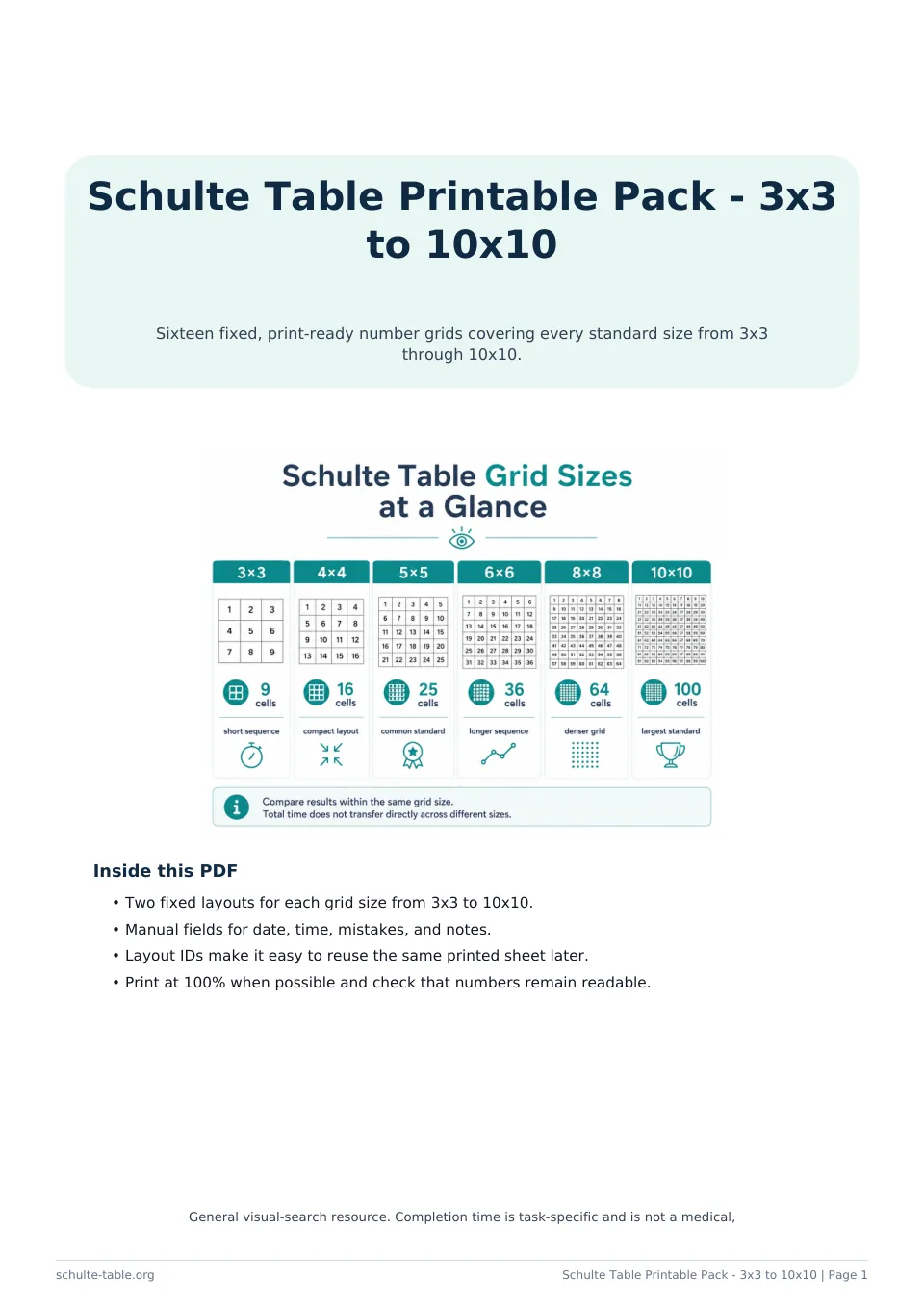
Use a complete size range for general paper practice, or choose spacious large-print layouts when readability is the main display requirement.

Classroom Resources

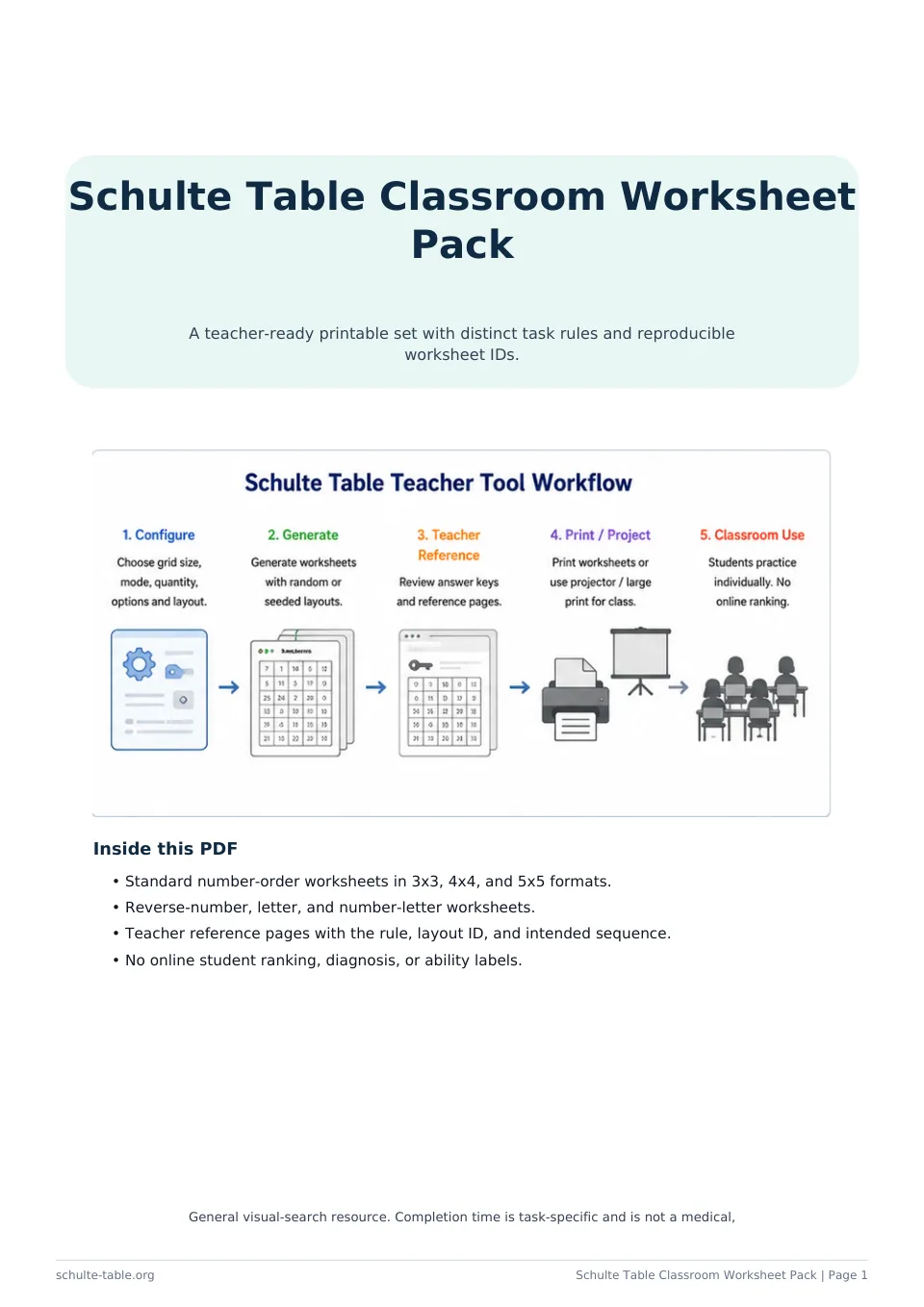
Use fixed worksheet IDs and teacher references when a printed student page must be matched to the intended sequence and rule.

Record and Compare

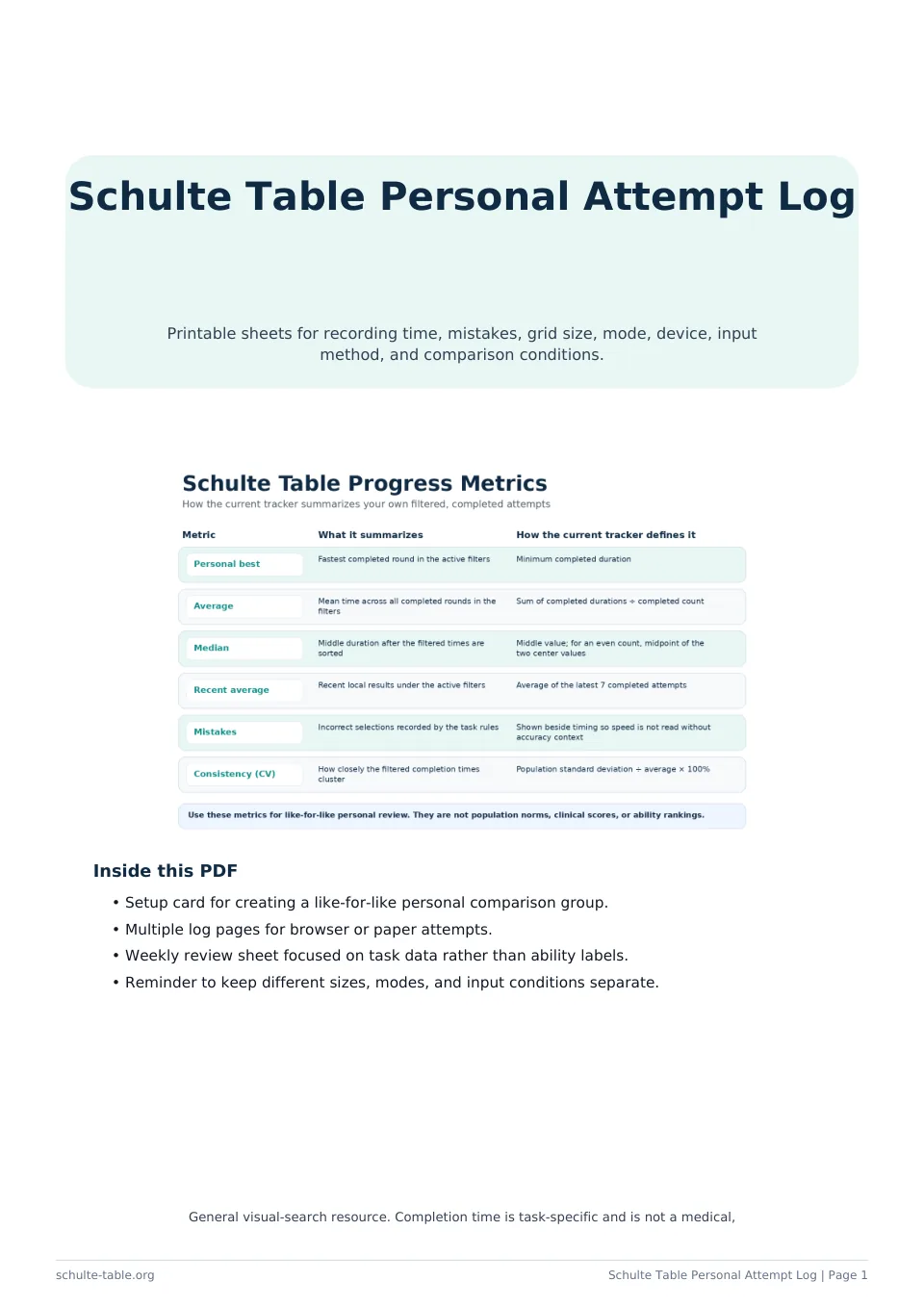
Use a manual log when results need to be written on paper or recorded outside the current browser's local tracker.

Reference Guides

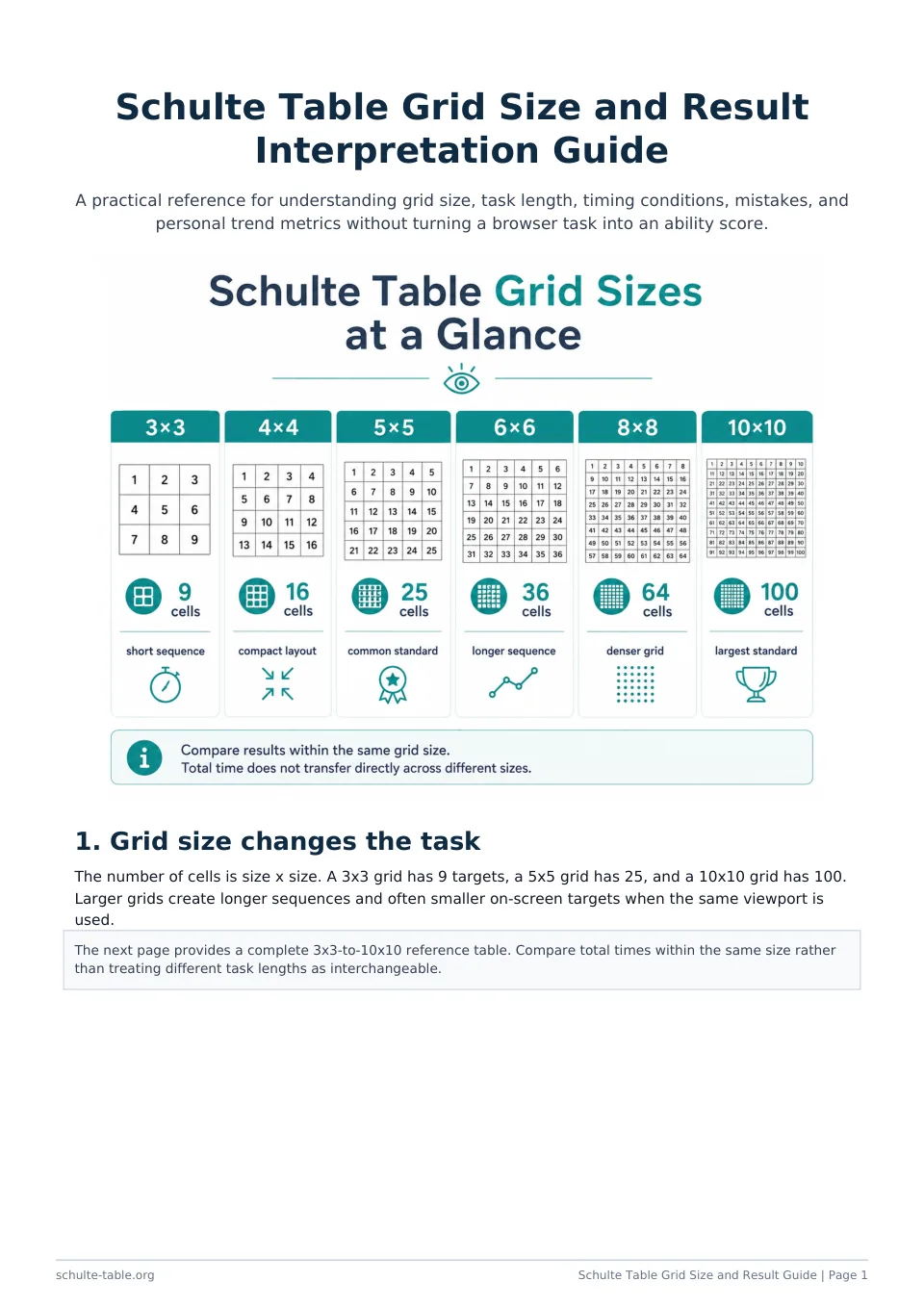
Keep grid cell counts, result conditions, and like-for-like comparison reminders available offline without inventing universal score bands.

How the Tools Work

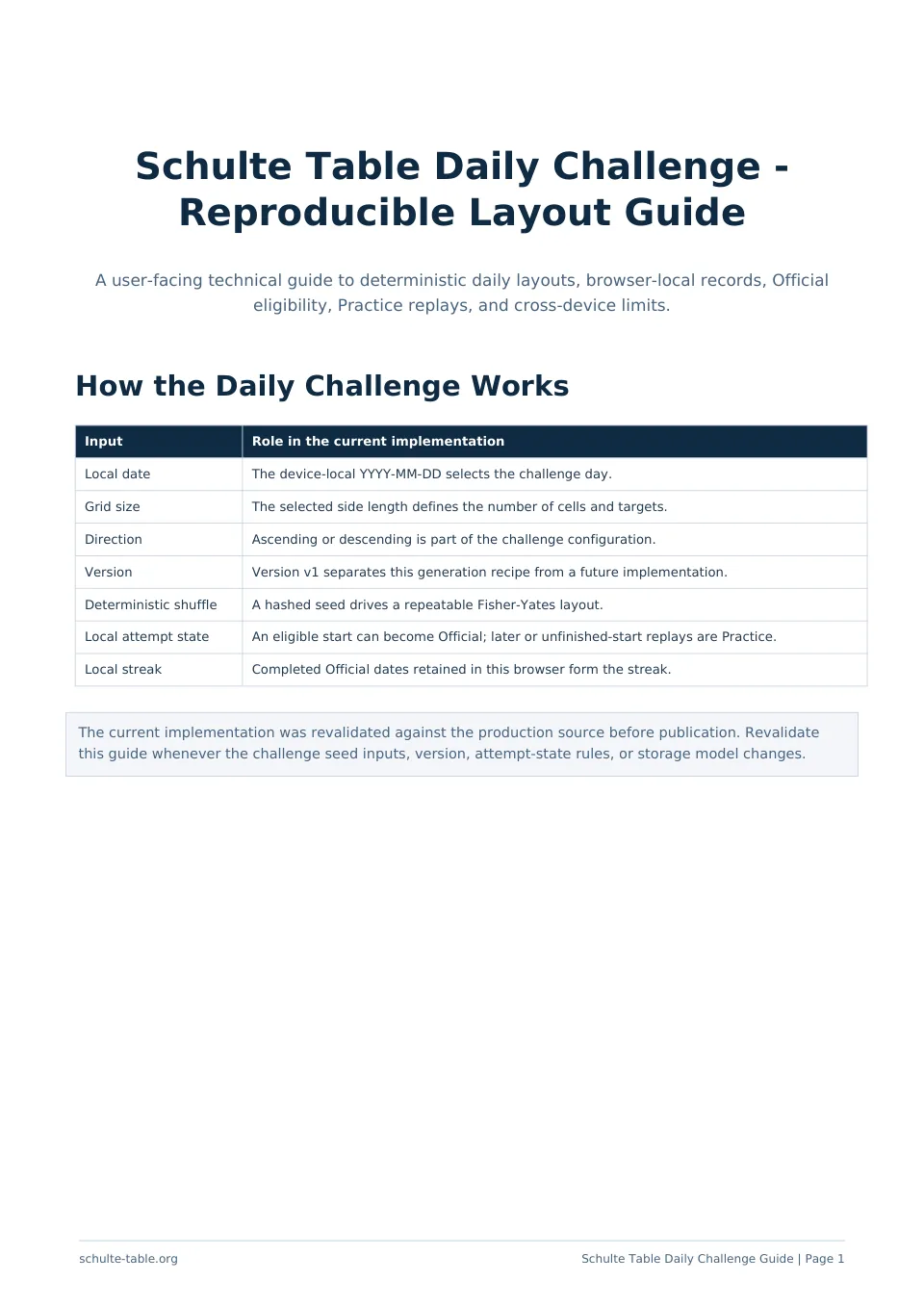
Read the technical boundaries behind a deterministic Daily Challenge before treating reproducibility as verification.