PDF task
Use this page when you want a file to save, share, or print later. The direct download is already laid out; the panel creates a new browser-print job.
Download the complete 3×3-to-10×10 practice pack for fixed, print-ready layouts. If you need different randomized grids, use the panel below and choose Save as PDF in your browser.
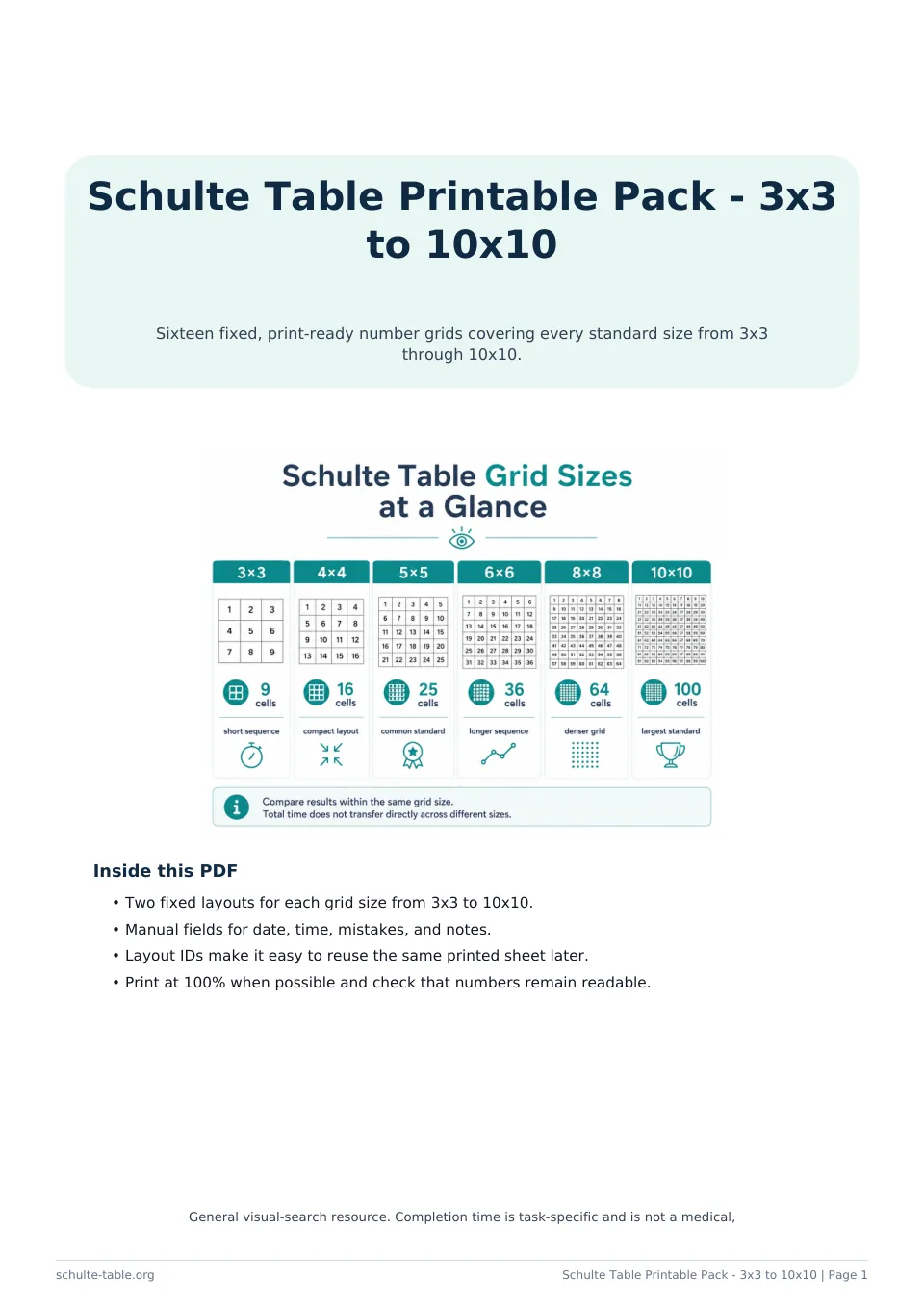
Use this fixed file when you want a stable layout that can be saved, shared, or printed again. The browser print panel below serves a different job: it creates newly randomized print jobs.
Time Spent:
5×5 Schulte Table #1
Use this page when you want a file to save, share, or print later. The direct download is already laid out; the panel creates a new browser-print job.
Choose a grid size and copy count, open Print / Save PDF, then select Save as PDF in the system print dialog.
Review paper size, orientation, margins, and scaling before saving. Large grids need more page space to keep targets readable.
It contains two fixed layouts for every grid size from 3×3 through 10×10, with manual date, time, mistake, and notes fields.
Use the panel, open the browser print dialog, and choose Save as PDF.
No. It is a static document; use a separate timer and write results manually if desired.